
An AI receptionist that books mobile-service appointments by phone
Turn on Location-Based Booking, connect the Talki Talki AI receptionist, and callers get the same travel-aware times your booking link offers. The receptionist asks where they are, offers only the slots you can reach, and books the job with the address on the card.
- Callers are asked for their street, city and province before any time is offered
- Only times that fit real travel between your jobs are offered, live on the call
- Your booking-form questions, required fields and blocklist apply to phone bookings too
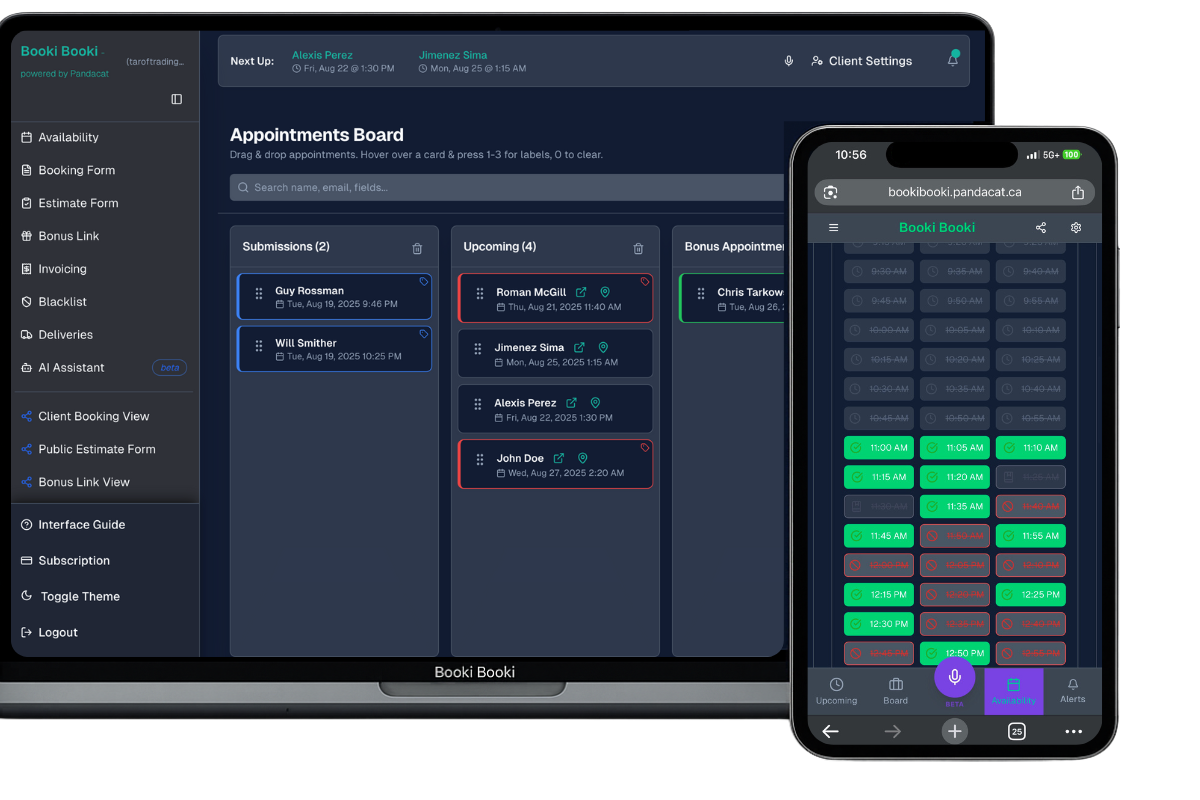
- The appointment lands on your board with the address and one-tap directions
What is location-based phone booking?
Mobile businesses lose bookings to voicemail. A cleaner is mid-job, a mobile mechanic has grease on their hands, a technician is driving, and the caller moves on to the next listing. Location-based phone booking fixes that: the Talki Talki AI receptionist answers, asks the caller where they are, checks your real route for that day, and books a time you can actually reach, all while you keep working.
It is the same engine as your Booki Booki location booking link, just over the phone. Your base address, commute mode, working hours, buffers and existing appointments decide which times are open. The receptionist collects the caller’s name, phone and any questions from your booking form, reads the details back, and books. The appointment shows up on your workflow board with the address and directions, and the caller gets the usual confirmation text or email.
Just say things like…
“Hi, I need my MacBook screen fixed. I’m at 7910 Rue Foucher in Montreal, is Monday afternoon possible?”
“Can someone come clean a two-bedroom in Richmond Hill this Thursday morning?”
“My car won’t start at 141 Castle Rock Drive. What’s the earliest you can get here?”
What callers say on the phone — the receptionist confirms the address, offers reachable times, reads the booking back and asks for a clear yes before booking.
No more missed calls
Every call is answered and can end in a booking, even when you are on a job.
Travel-aware, live
The receptionist offers only slots that fit the route your day already has.
Address captured correctly
Street, city and province are collected and read back before anything is booked.
Your form, your rules
Required questions, drop-down choices and format checks from your booking form apply on the call.
Blocklist respected
A blocked number or answer is declined politely, with your own wording and no reason given.
Same confirmations
Callers get the same SMS or email confirmation and manage link as web bookings.
The caller says where they are. The receptionist already knows which times you can get there.
How it works
Set up Location-Based Booking
Enable Dynamic Availability, enter your Base Address and Commute Mode, and set the same Business Timezone on the Availability and Location-Based Booking pages.
Connect the AI receptionist
Integrations → Talki Talki → Connect, then “Enable AI Receptionist booking”. Click “Re-sync tools” after changing your form or location settings.
Let the phone ring
The receptionist asks for the address, offers reachable times, books, and the card appears on your board.
Frequently asked questions
What do I need turned on for the receptionist to book by location?
What if I don’t want every caller asked for an address?
How does the receptionist handle a wrong or vague address?
Why does the receptionist offer so few, or so many, times?
Which timezone are the times in?
Does the caller’s address stay private?
Answer every call with a booking you can reach
Location-aware phone booking with the Talki Talki AI receptionist. Free for 30 days.